.jpg)
Introduction
As a web agency, no-code was a small revolution that allowed us to produce visually without needing to learn how to code. And today, AI is the natural continuation of this dynamic.
👉 We already don’t produce the same way anymore, and the marketing argument of “drag-and-drop” has been globally replaced by “prompt based development.”
But between what we see on social media and reality, there’s sometimes a gap. So the goal of this live was to show you how (as of today, and I insist on as of today, because it could change very quickly) at Digidop we use Claude with Webflow to produce faster and better.
⚠️ Disclaimer: this content will probably be obsolete in 6 months, as Webflow and the models will evolve.
Webflow in 2026, lucidity and opportunity
Let’s start with a state of the art, and an important truth to consider: Webflow was not “historically” designed as a natively AI-first tool. But for all that, the platform has its weapons to remain relevant in 2026.
❌ Truth
- Not AI-native
- Building from scratch on Webflow is no longer always the fastest option on the market
- And it’s more complicated for a client to create on Webflow than via prompt on an LLM.
✅ But Webflow still has its strengths
- All-in-one platform (build / manage CMS / grow)
- Enterprise-grade hosting and security
- Native localization
- And offers the ability to finish the details in a visual interface (quite hard to do via prompt).
Because in creation, AI is excellent for the first impulse, but much less efficient when it comes to finishing.
So today, Webflow alone on the market is maybe a 7/10.
But Webflow is integrating AI more and more natively (product roadmap adjusted to stay in the race). And integrations have also been made easier with the MCP Bridge App, which allows you, for example, to connect Claude to your Webflow project.
It is therefore now possible to “combine the best of both worlds”, and Webflow + Claude gets, in our opinion, closer to a 9/10.
Webflow x Claude
To illustrate this, during this live we presented several demos of how we use it today.
Starting with what already works very well: Claude as an Assistant.
Use Case #1: Claude as an Assistant (already 100% effective today)
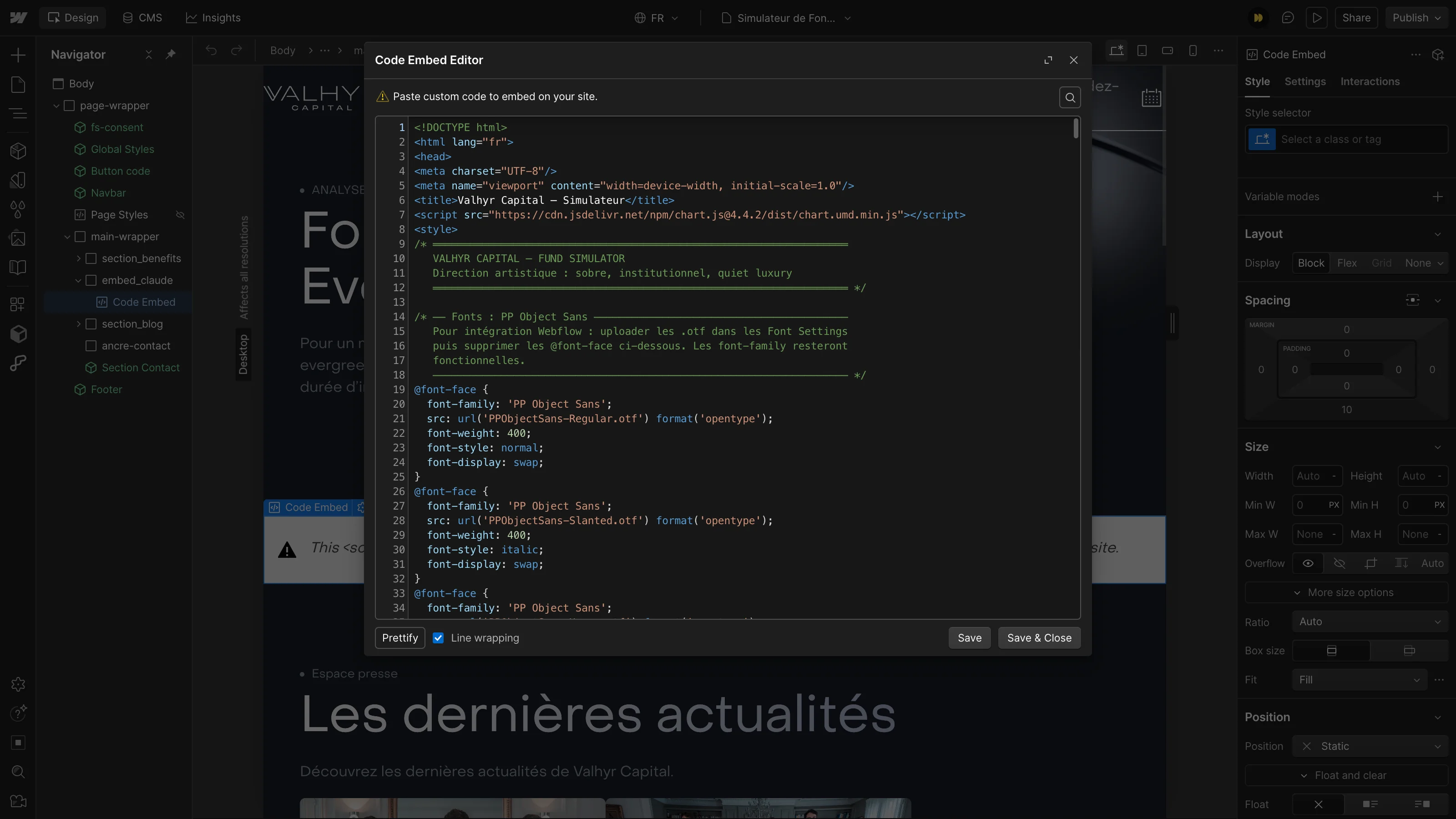
Integrated via MCP, or even directly from your interface, Claude can help you with:
Context + Audit
- Understanding the build
- SEO audit
- Bugs (analysis → correction)
Code injection
- Animations
- Custom logic (e.g. user journeys)
- Calculators
Then its use to manage data.
Use Case #2 — The Data API (content, CMS, SEO)
Same here, already works very well.
The Data API (content, CMS, SEO):
- Collection creation (relations between elements + scalable structuring)
- SEO title and meta tags optimization
- Injecting content into the CMS and on Pages
- Content translation

And finally, the pros and cons of fully building with it.
Use Case #3 — Build with Claude (The Designer API)
For us, there are two methods to date to build with Claude and Webflow as cleanly as possible.
1. MCP with strong guardrails
Still very exploratory — we’ve already run this logic on a complete pilot project. With very encouraging results, but we’re not 100% there yet.

Truth
- Webflow was not initially designed for this
- Variable results (logic sometimes questionable)
- Webflow API limitations
- Some elements (Tabs, Collection List) must be added manually at the start
- Many difficulties when working with components
- Heavy use of custom properties
What works rather well
- Creating the first draft / page structure once the design system is properly set up and Claude is well framed
- Building new sections from a solid design system
- 2 to 3 iterations on the first draft (screenshot → Figma MCP → context)
What doesn’t work well
- No system optimized at scale (over-use of CSS classes)
- Need to finish 20 to 40% of the work by hand to avoid dozens of back-and-forths
- Heavily depends on design complexity (the mockup must be flawless)
- CMS-first still requires human action (API limits)
- Watch out when Claude pushes hardcoded code → not editable
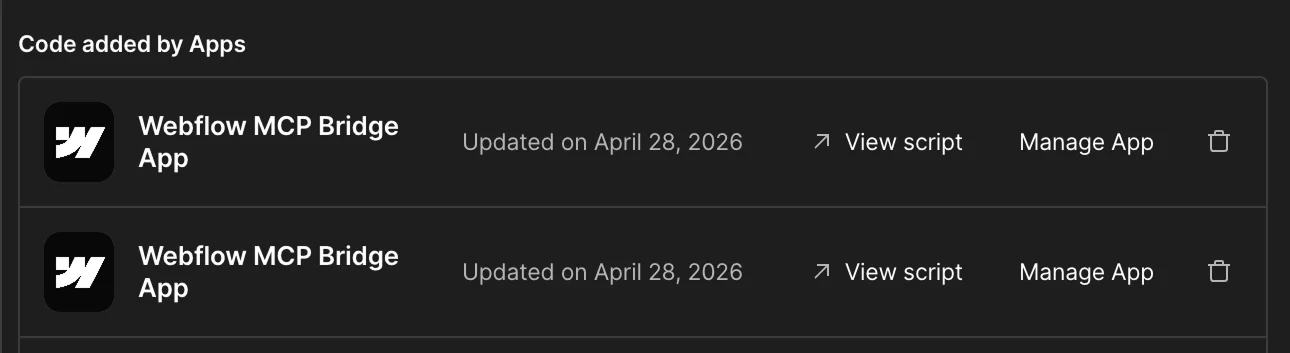
👉 60–80% can be automated with human expertise to drive it. The rest remains developer work, especially on premium projects. It obviously depends on the level of expectation.
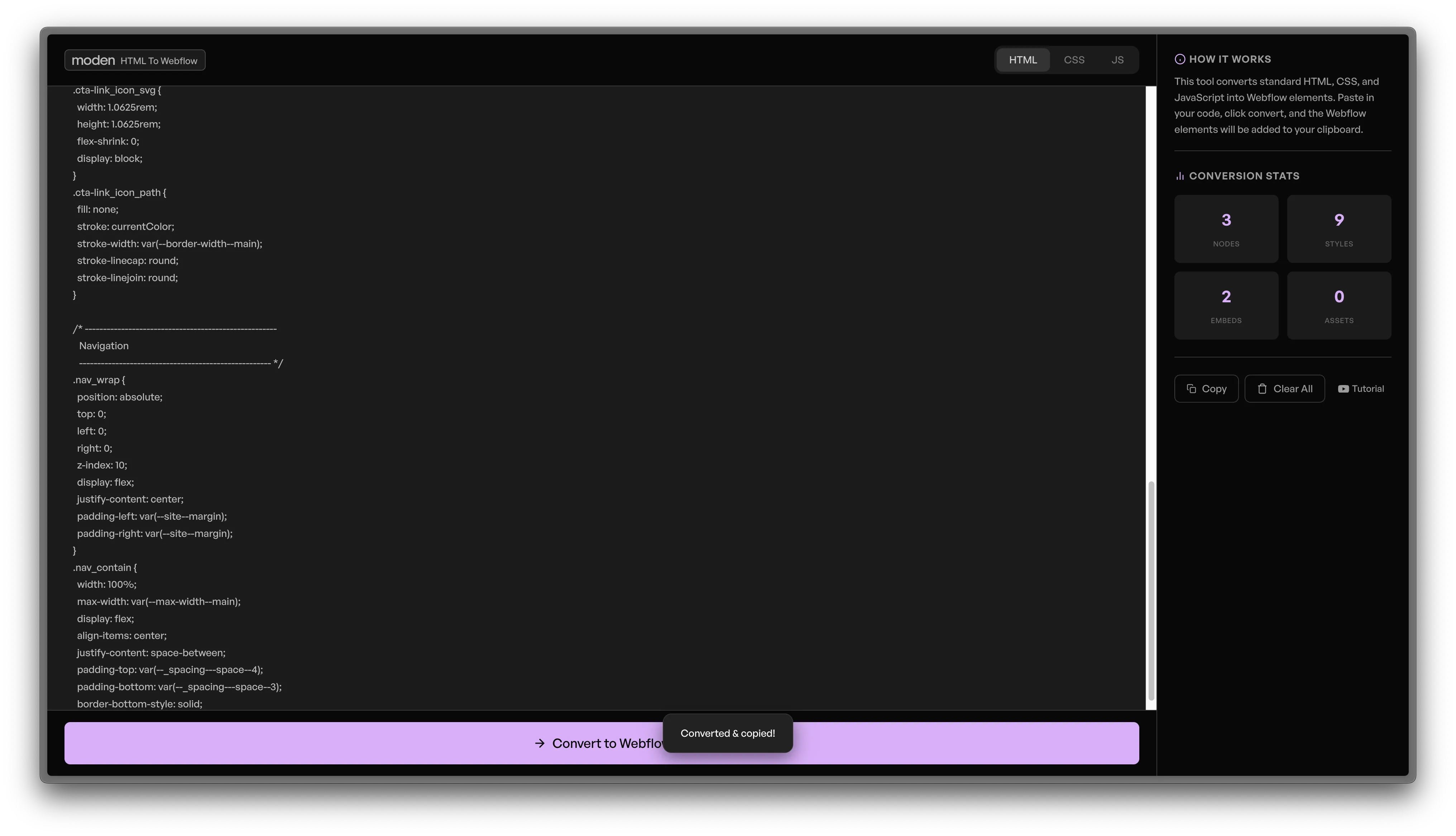
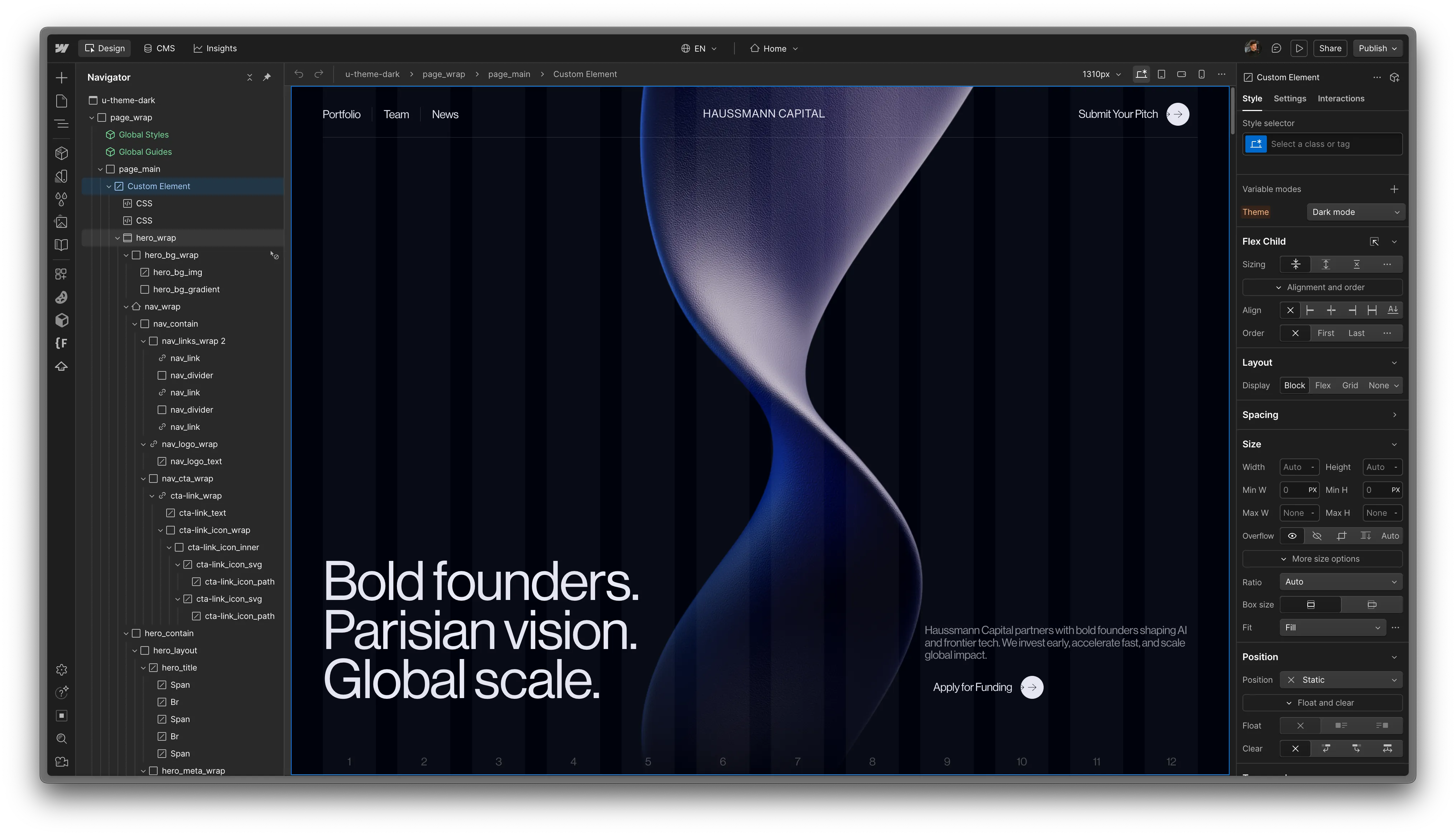
2. HTML to Webflow (T. Ricks)
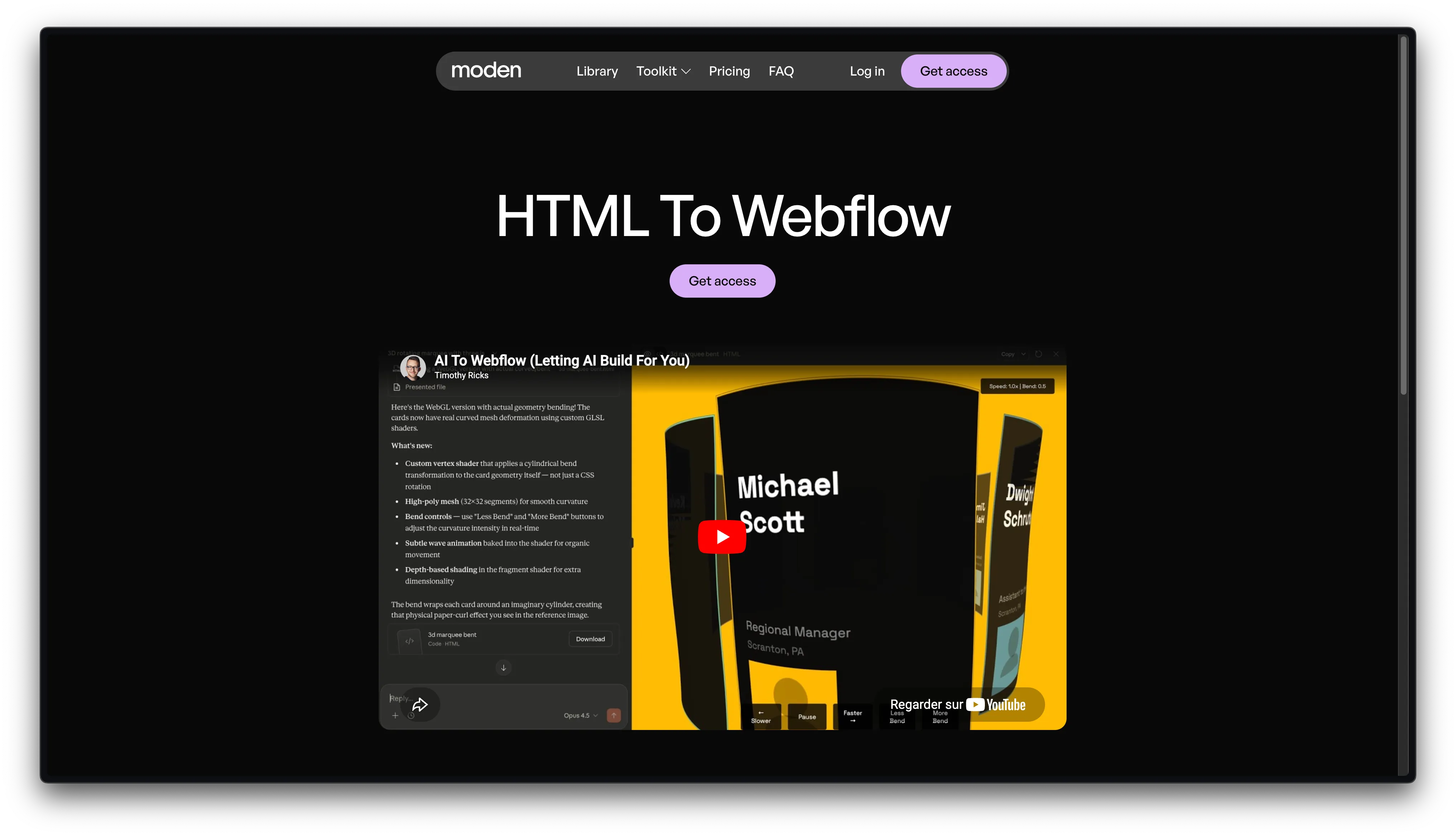
Can work around some limitations:
- Avoid recurring timeouts
- Save tokens
- Be more precise on skill tracking
See the replay of the live for the demo.
Our advice
If you want to use Claude x Webflow:
1. Always set a frame
- Design system (variables, framework, context)
- Figma MCP connection
- Comparative screenshots
2. Claude = copilot
- Not yet on autopilot
- Supervision and QA mandatory
3. Iterate
- First draft → improve
So, Webflow x Claude today
What works really well
- Assistants
- Data CMS API
What doesn’t work yet
- Pixel perfect from A to Z
- Consistency on large projects
- Timeouts
- MCP limited to one project / workspace (update needed if a new site)
- Designer API limits
The future
Webflow is heading towards “AI-first”, it’s inevitable.
This is the direction every SaaS is taking today, with for example:
- The rise of headless + agents (e.g. Salesforce)
- APIs being opened to AI (e.g. Adobe with Claude)
For agencies (and maybe even for Webflow), we’ll also see some simple use cases disappear (like landing page creation), now occupied by AI-native tools or directly by solutions like Claude Code.
But Webflow remains very strong on:
- Personalization +++ (design and journeys)
- The all-in-one
- Performance and governance
- Scale
- Native localization
Conclusion
If you’re a good AI / Webflow builder, AI can today accelerate your production by 30 to 60%, depending on the project. And most importantly, some limits no longer exist: complex integrations, animations, etc. are now accessible to “anyone”.
But the main effect to watch is client behavior.
Most are working more and more with AI and want to build directly with it.
First observation:
They go through Claude to produce, then integrate themselves → revenue loss for production-oriented agencies.
Second point:
They’re looking for more flexibility to build with AI directly inside the tools. Webflow is pushing in this direction.
What this potentially changes for agencies tomorrow
Not yet a total disruption, but clearly a strong impact on internal organization and on Webflow’s product roadmap.
Webflow keeps strong arguments on the high end, especially because finalizing details and scaling with AI remains complex, but internally we expect:
- Less production and less need for vertical expertise
- More steering, with an architectural and strategic role
- Fewer small projects (founder, small business ICP)
And the reality is that we’re already not that far from it.
Opening: how AI is changing agencies
AI doesn’t just speed up production.
It mainly seeks to flatten the technical barriers between marketing, design and development.
What used to require several areas of expertise is gradually becoming accessible through a single interface: the prompt.
Just as no-code and SaaS already simplified technical complexity, AI pushes this logic even further.
Before
👉 Designer + Dev + PM + SEO
Tomorrow
👉 1 profile + AI
And the real question for an agency: won’t this profile be directly the client, founder, or marketing team?


.webp)