Webflow is pushing more and more AI into its product. But beyond the marketing narrative of an “AI-friendly” platform, what does it actually change in your day-to-day work?
What AI in Webflow really does (beyond the pitch)
Here are concrete use cases to start using AI as an assistant in Webflow today.
1. Generate titles and SEO meta tags
With one click, AI analyzes all the content on your page and suggests SEO-optimized meta descriptions.
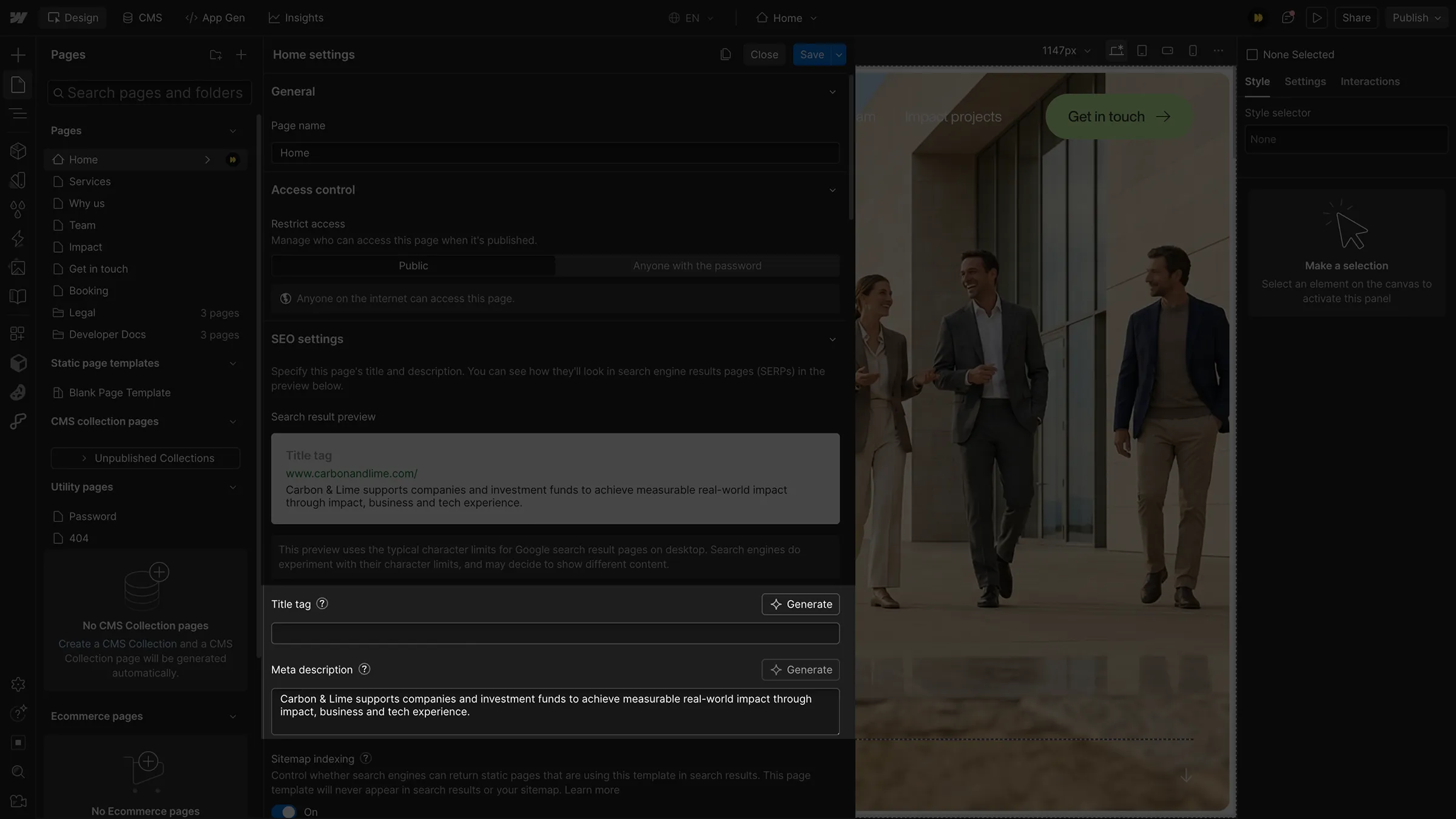
2. Large-scale content translation
Leverage generative AI and the Localization feature to translate both static and dynamic content across your site at scale.
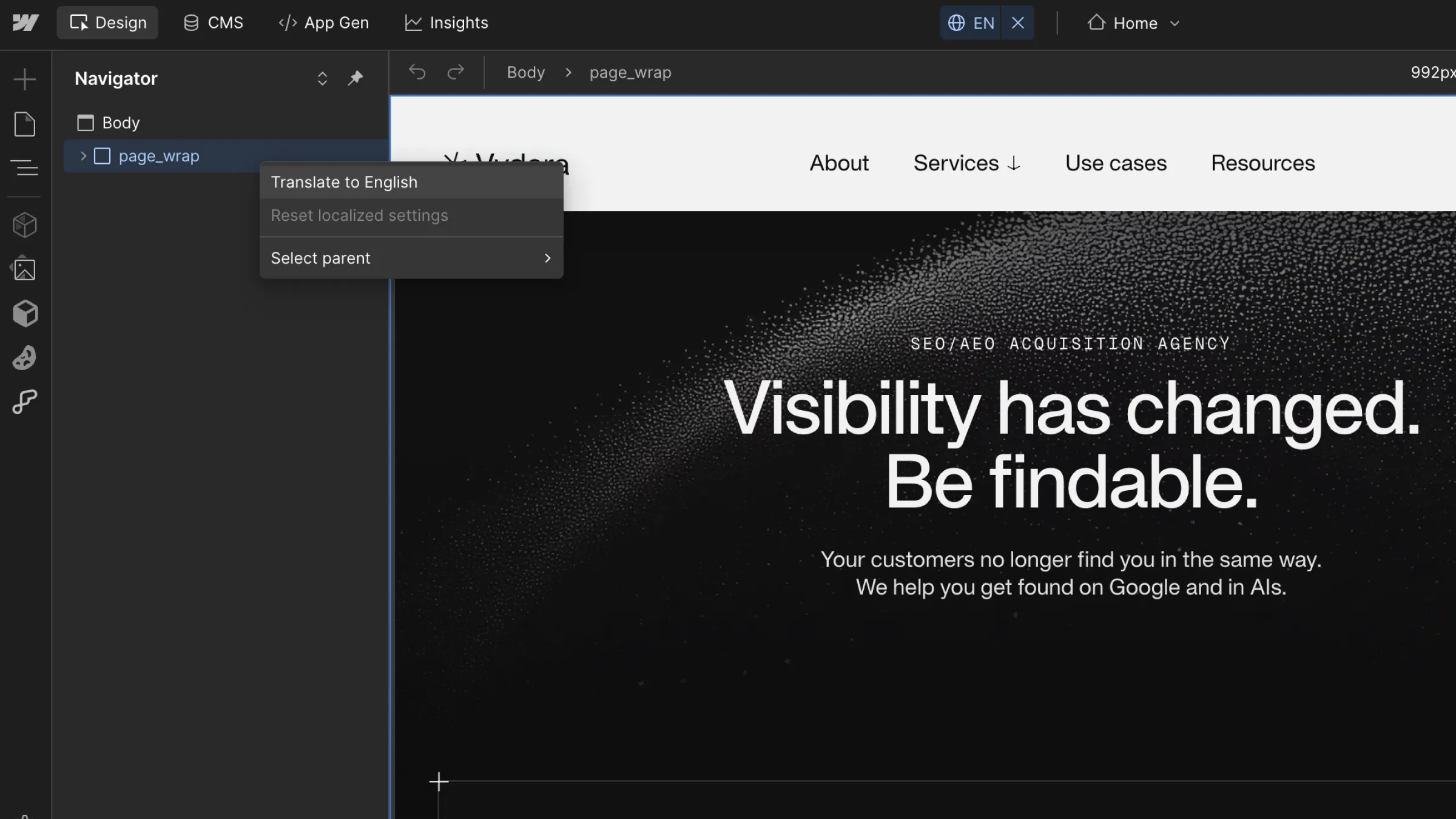
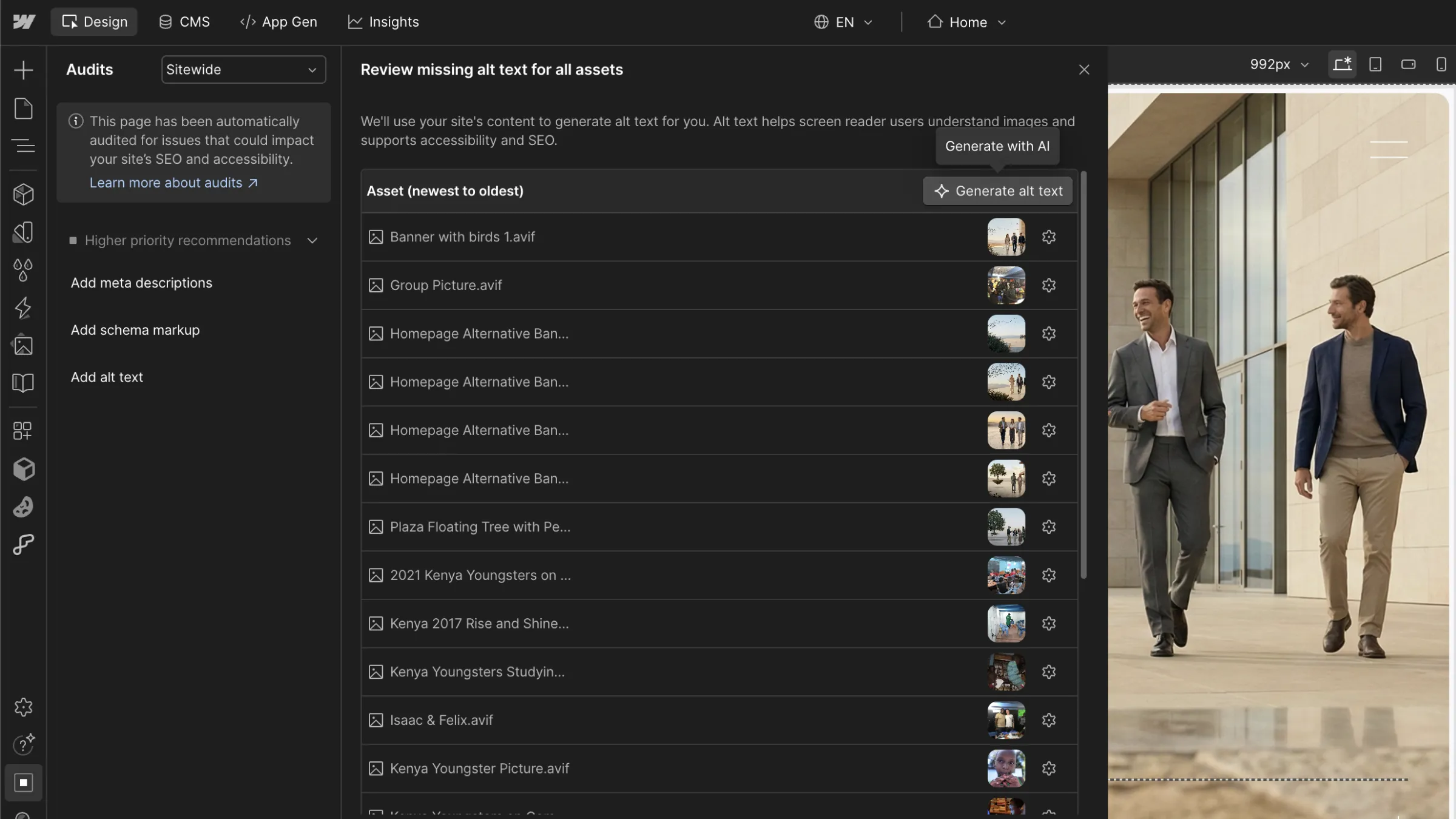
3. Generate alt texts for your images
Combined with the native audit tool, analyze all your site’s images in one click and generate alt texts (in your locale’s language) directly with AI.
4. Add structured data
Structured data is used by search engines and LLMs to better understand your website’s content. Data shows that implementing it improves your site’s SEO and GEO visibility, and you can generate it automatically with AI assistance for every page of your Webflow site.
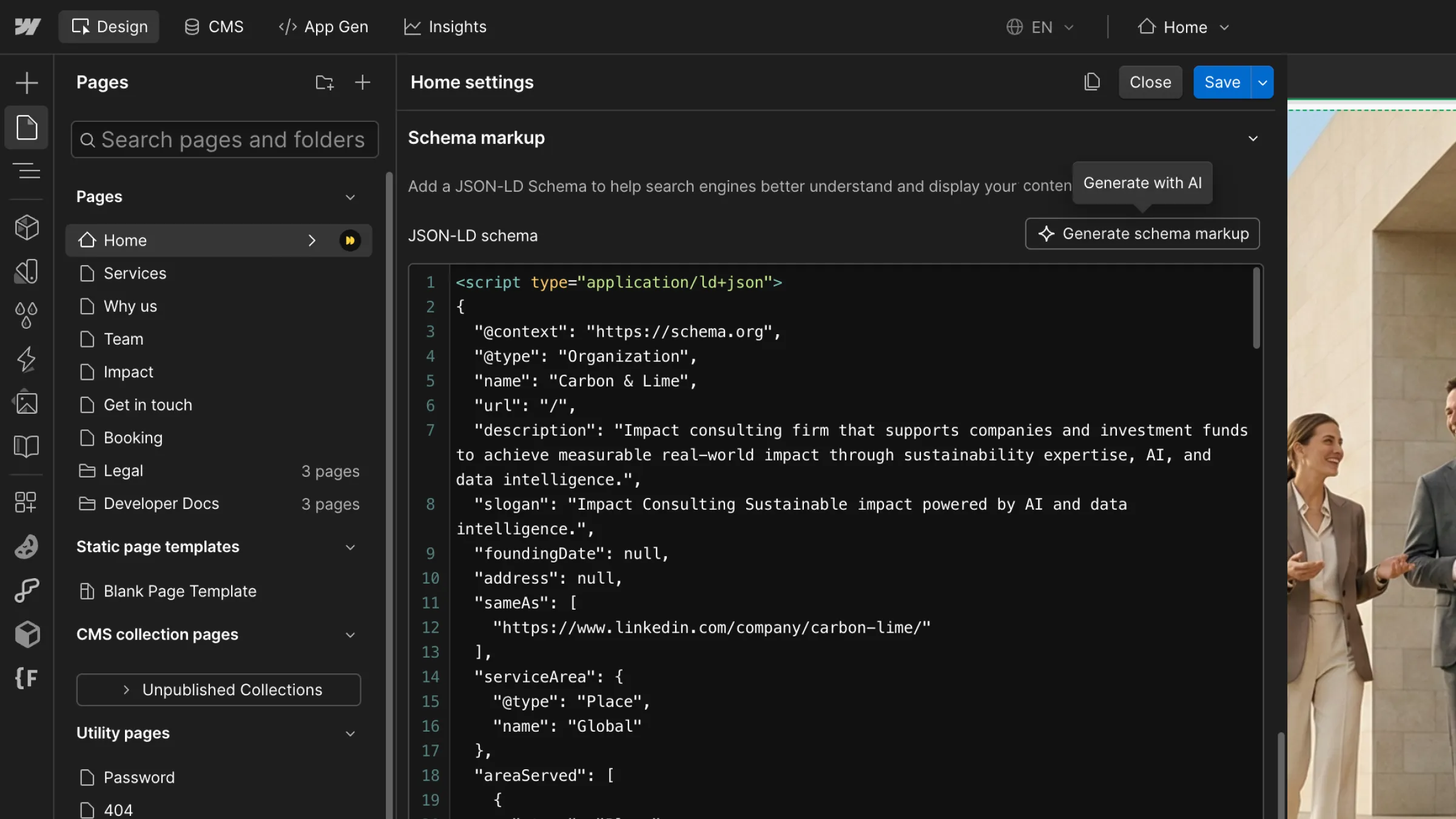
⚠️ Note: While this is better than nothing, structured data can be much more precise when handled by an expert, such as a specialized agency.
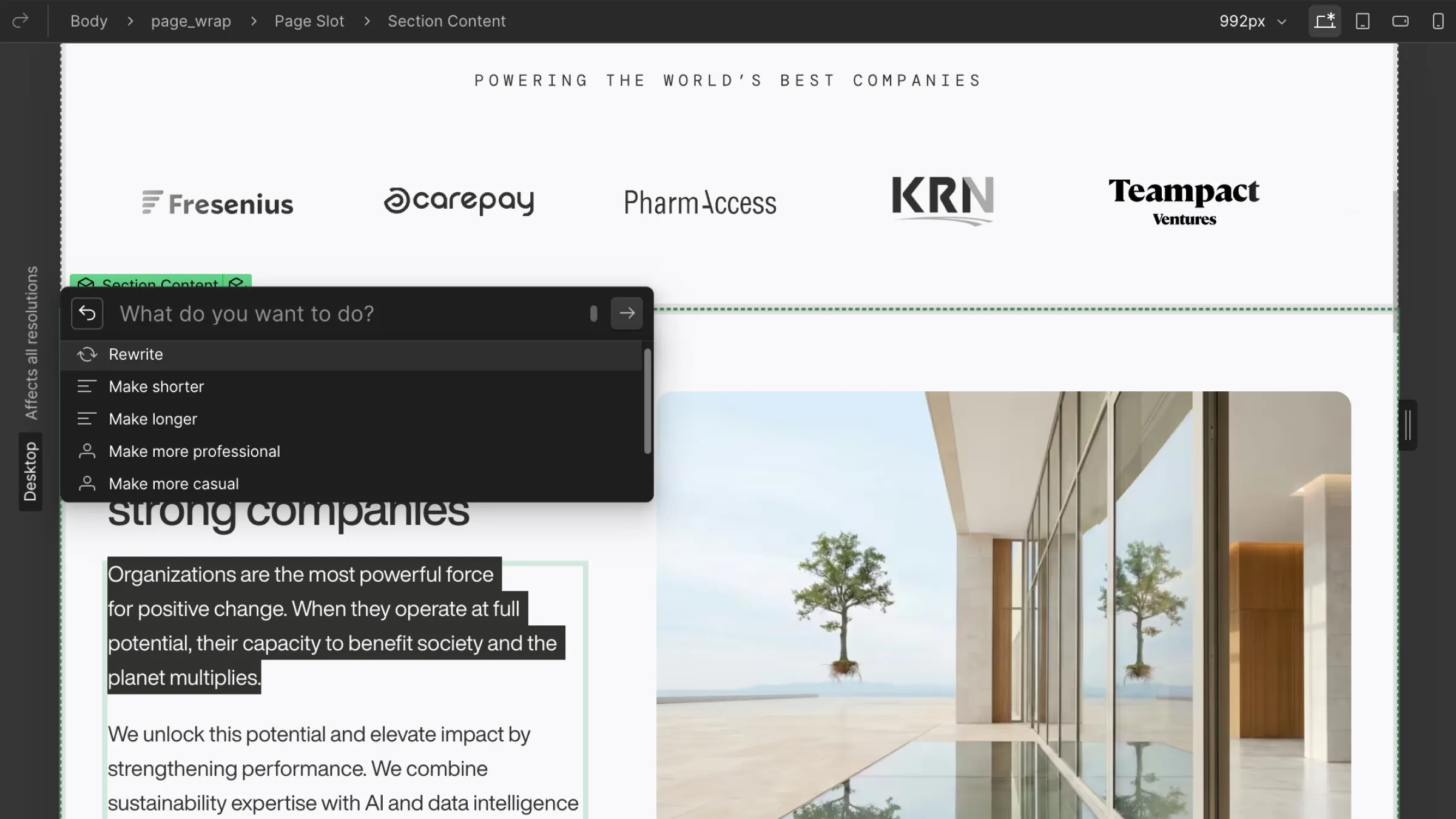
5. Adjust and refine your copywriting
Select any text on your site, and AI can help rewrite it, shorten it, change its tone, or correct grammar and spelling.
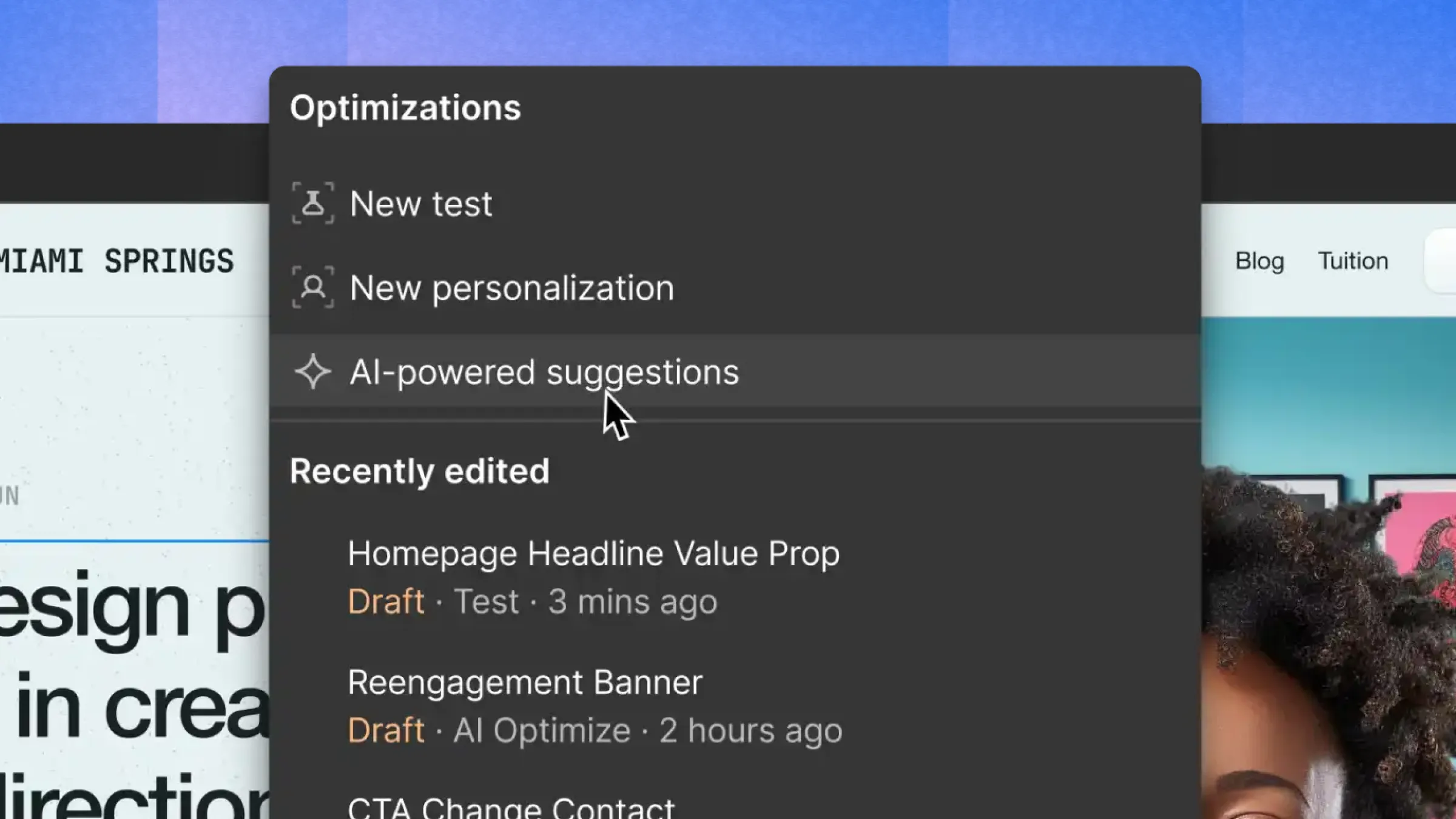
6. Generate A/B testing variations with Webflow Optimize
Webflow Optimize uses AI and machine learning to adapt content and test variations of your site at scale to improve conversion rates.
7. Concept testing with Webflow AI Site Builder
The AI Site Builder allows you to quickly iterate by generating a sitemap, design systems, and look & feel directions based on a prompt and a few technical specifications.
.webp)
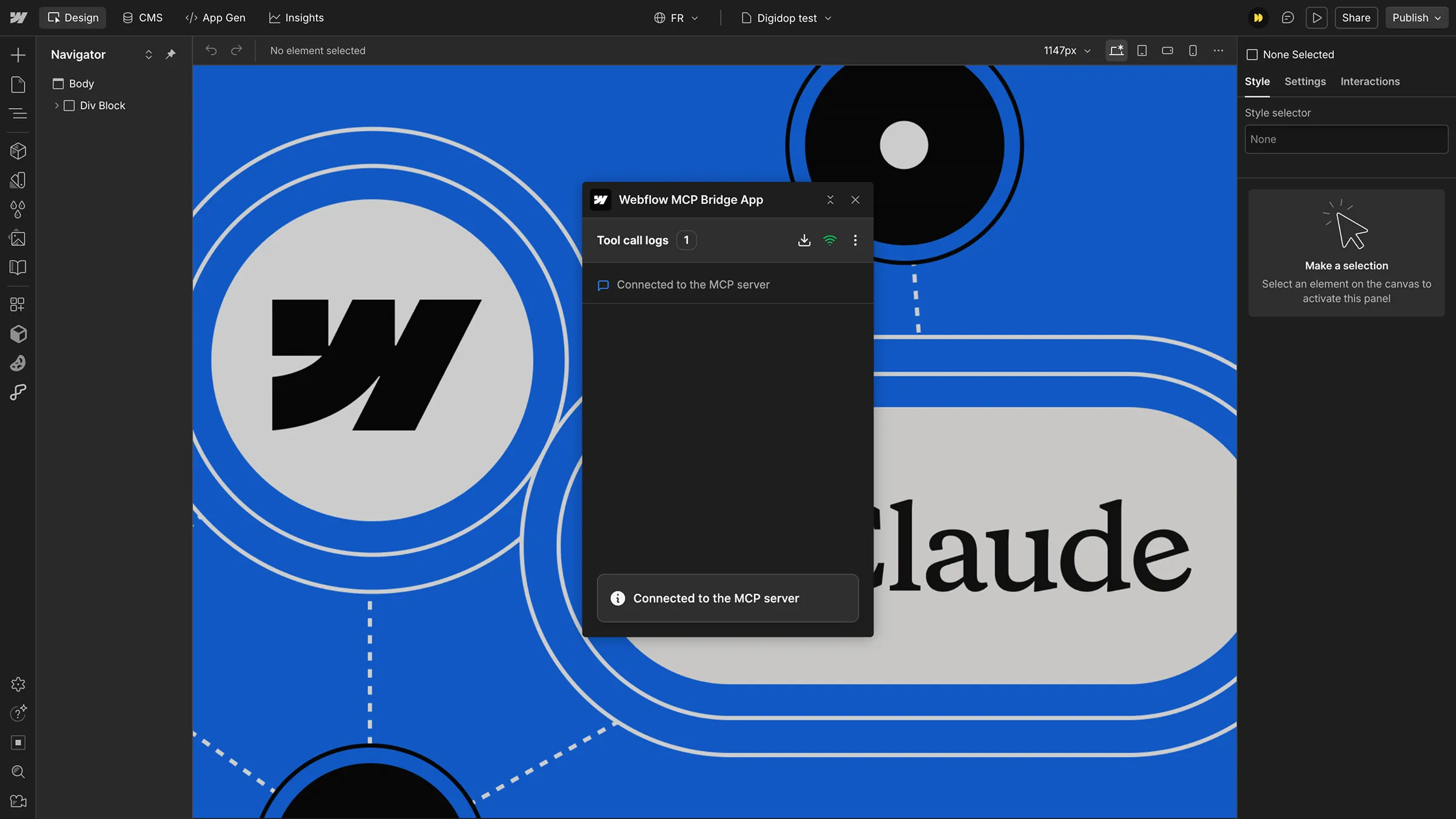
8. Webflow MCP
Connect Claude to your Webflow site to perform AI-assisted operations at scale across your website.
9. “Vibe coding” with Claude + HTML to Webflow
As shown in the video below by Timothy Ricks, you can train Claude with your own skills (frameworks, development context, etc.), then ask it to generate any type of section in HTML from Figma.
With the HTML to Webflow extension, you can then convert this AI-generated HTML directly into Webflow’s IDE.
10. App Gen
More technical and currently operating in a silo (independent from your traditional marketing site on Webflow), App Gen allows you to build and modify an application using only prompts, in a logic similar to tools like Lovable.
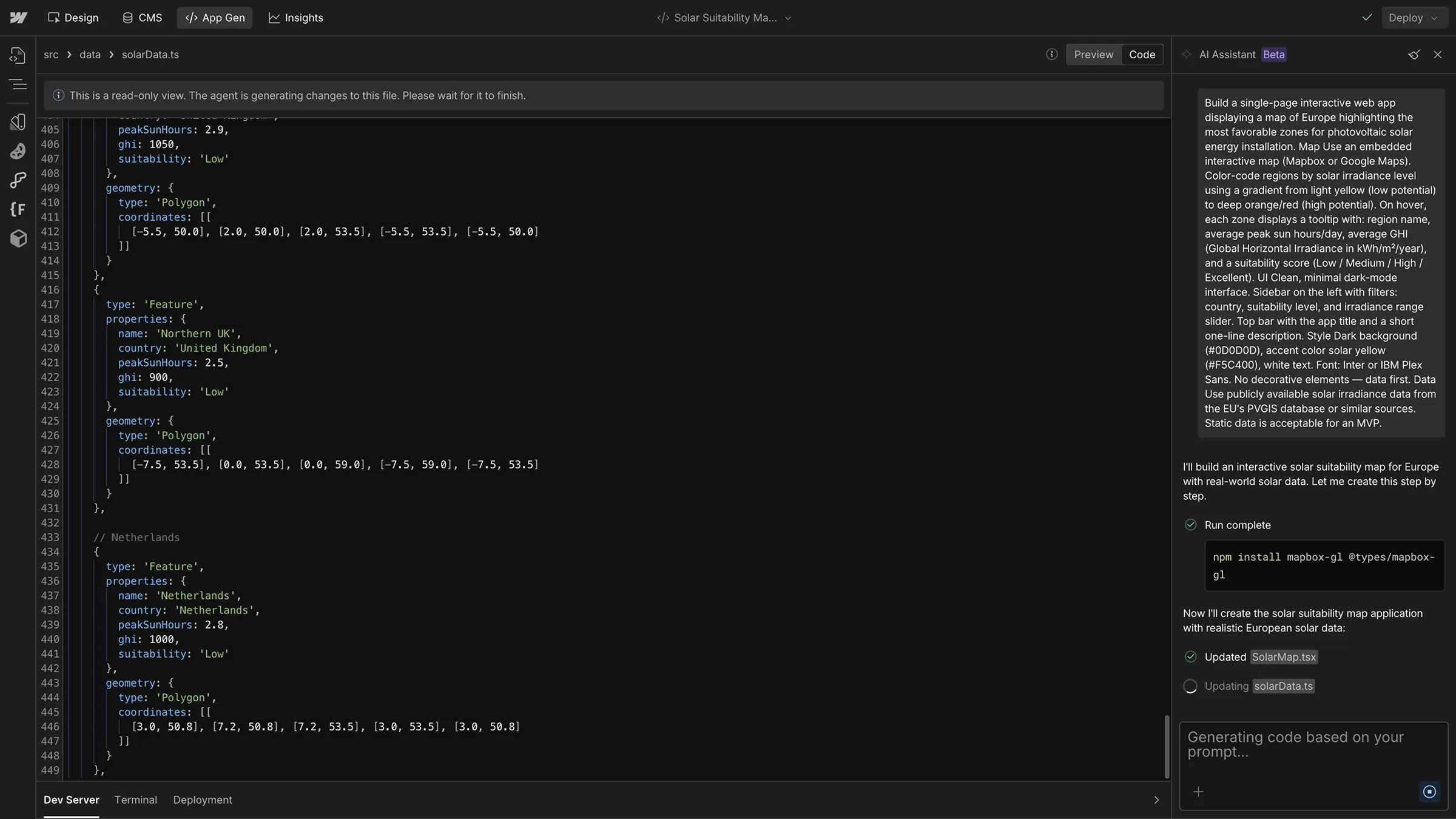
It’s a limitation that App Gen does not yet integrate with the level of customization offered by Webflow’s development interface, but it can still be useful for building very specific features or testing concepts.
Conclusion
Webflow understands that usage is evolving, and that the massive adoption of AI makes it a key factor in users’ decision-making process. The platform is therefore integrating AI to remain competitive, without falling too much into the trap of non-functional AI announcements.
Many “simple” but useful features already provide real time savings: adding structured data, generating image alt texts, SEO meta tags. On the other hand, some features remain more exploratory and reflect forward-looking bets (vibe coding, App Gen).


.webp)