Introduction
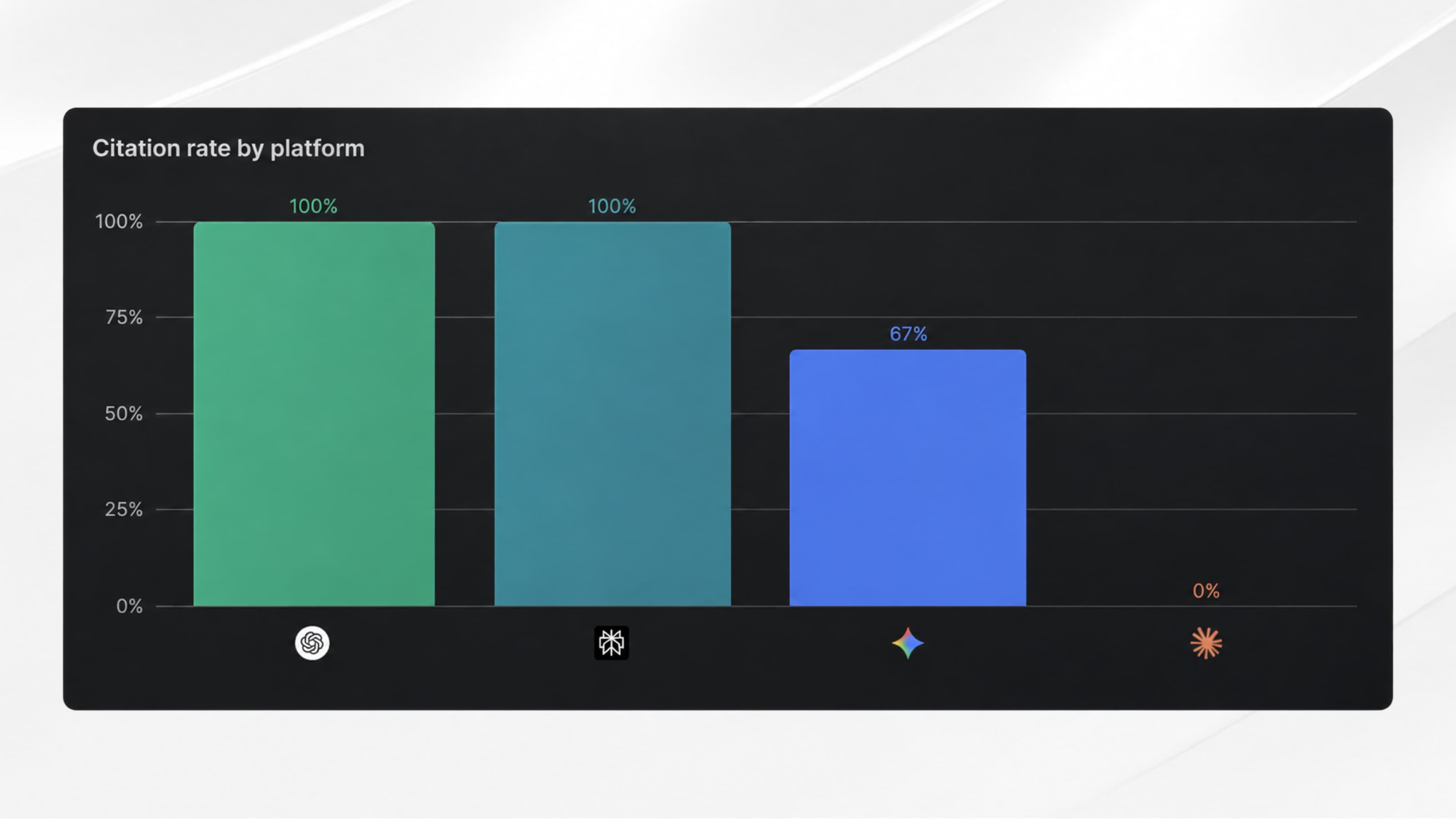
Between server-side and client-side tracking, the volume of collected data can vary by 20 to 40%. Scripts blocked by ad blockers, browser restrictions (Safari, Firefox), or website loading issues are usually the cause.
This discrepancy can directly impact your analytics and advertising budgets, which explains why more and more marketing teams are turning to server-side tracking.
The two main tracking methods
In 2026, marketing relies primarily on data. And when it comes to tracking a website, two approaches dominate:
↳ Client-side = tracking executed in the browser
↳ Server-side = tracking executed from your server
Client-side tracking
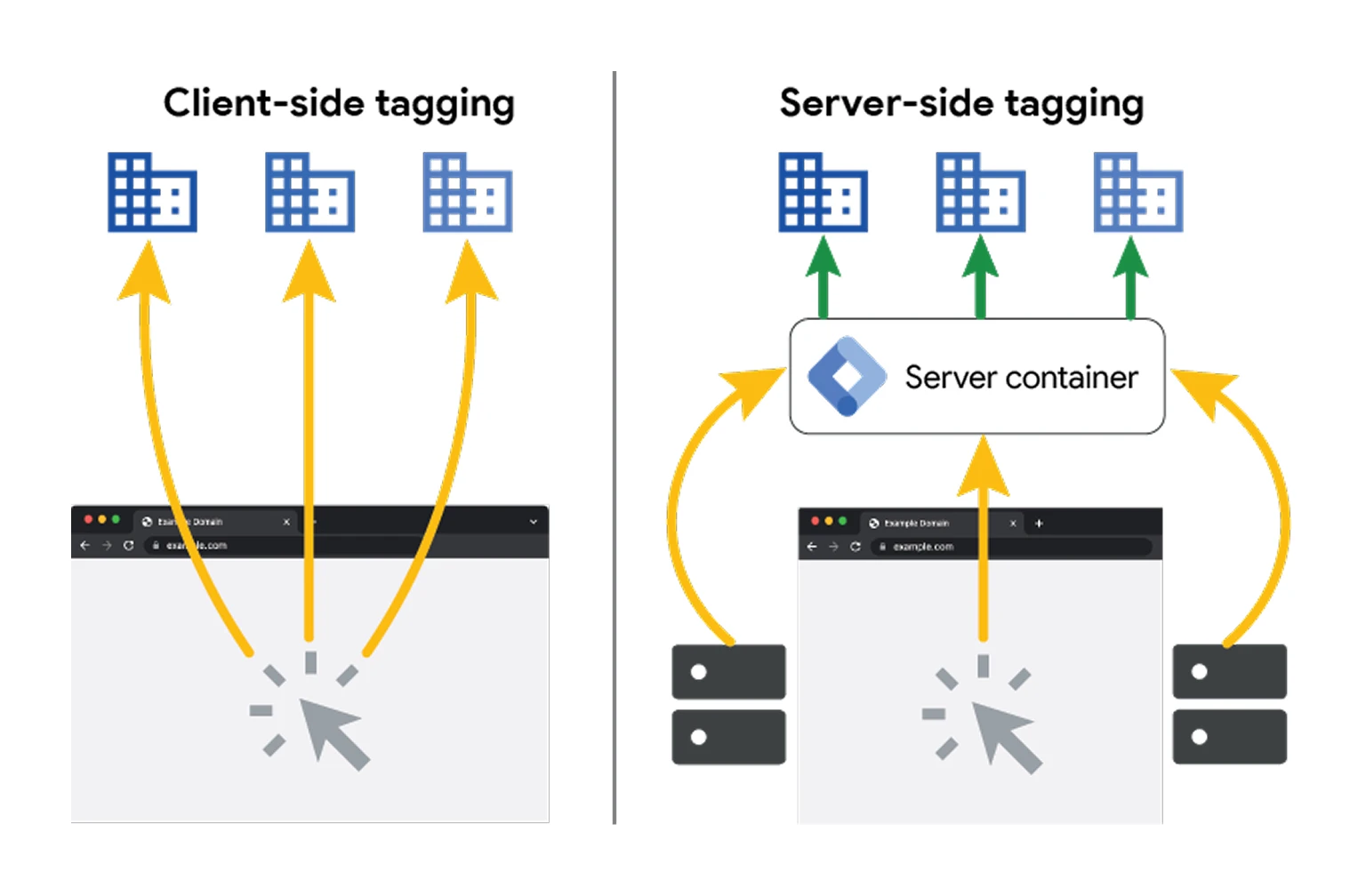
When we talk about client-side tracking, it means that tracking scripts are loaded in the browser and executed on the user’s device. This is currently the most widely used method, popularized by many tools (GA4, Meta Pixel, etc.) and their easy-to-install tracking scripts.
However, client-side tracking is often imperfect.
These popular scripts are frequently recognized and blocked by ad blockers. As a result, a significant portion of data is never collected, which skews conversion analysis results.
💡 30 to 35% of internet users today use an ad blocker on their devices (roughly 1 out of 3 users).
And this is where server-side tracking can change the game…
Server-side tracking
With server-side tracking, part (or all) of the tracking no longer goes directly through the browser, but through your own server.
The workflow changes, and data collection works as follows:
- The user performs an action (page view, form submission, button click)
- The website sends the event to your server
- The server then forwards the event to analytics, advertising, or CRM tools
Unlike client-side tracking, server-side tracking is not blocked by ad blockers, as the URL or pattern is much harder to identify. You no longer use a default analytics configuration, but a server URL linked to your own domain, for example: tracking.digidop.com.
Additionally, this approach allows you to better control and filter data before sending it to analytics or advertising platforms.
Client-Side vs Server-Side: Comparison
To better understand the differences between the two approaches, here is a simplified comparison.
⚠️ Important: server-side alone is not sufficient to track everything.
User interactions happen in the browser. Server-side tracking only comes afterward, to make data more reliable, enrich it, and redistribute it.
When should you prioritize server-side tracking?
Server-side tracking is often more expensive and more complex to implement. Not all projects need it, and client-side tracking can be more than enough for a website that simply wants a basic understanding of what’s happening on-site.
So how do you know if you actually need it?
Here’s a short checklist to help you assess your needs:
→ If you check 2 or more boxes, server-side tracking can significantly improve your performance.
✅ Your ad budget exceeds €5,000/month (Meta, Google Ads)
✅ You notice a significant gap between tracked conversions and actual sales
✅ You run A/B tests or actively work on CRO
✅ Safari / iOS traffic represents more than 20% of your visitors
✅ You have strict GDPR compliance requirements
✅ Your website loads too many third-party scripts and is slowing down
How to implement server-side tracking on your website
Unlike client-side tracking—where you simply copy and paste scripts into your code or CMS—server-side tracking is more complex. Here are two options we recommend.
Option 1: Create a server container (technical)
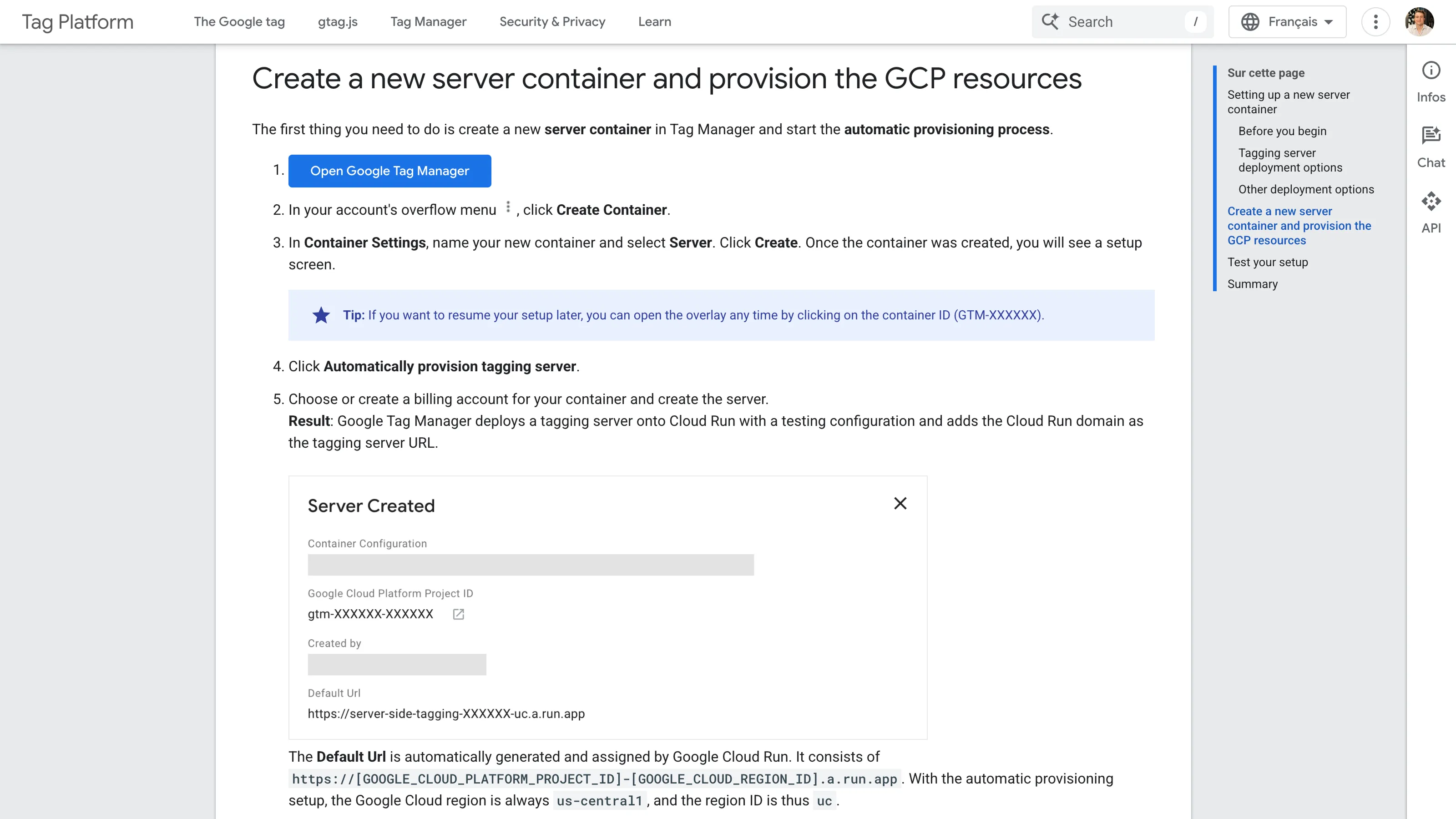
You can create your own server that centralizes website events, processes them, and redistributes them to analytics, CRM, or advertising tools based on predefined rules. This approach offers full flexibility and total control over data, but requires technical expertise for setup, hosting, and server maintenance.
Recommended tool: Google Tag Manager (Server-Side)
Coming soon: we are currently working on our own step-by-step tutorial explaining how to create your server container. It will be shared soon via our newsletter.
Option 2: Use a turnkey solution (paid)
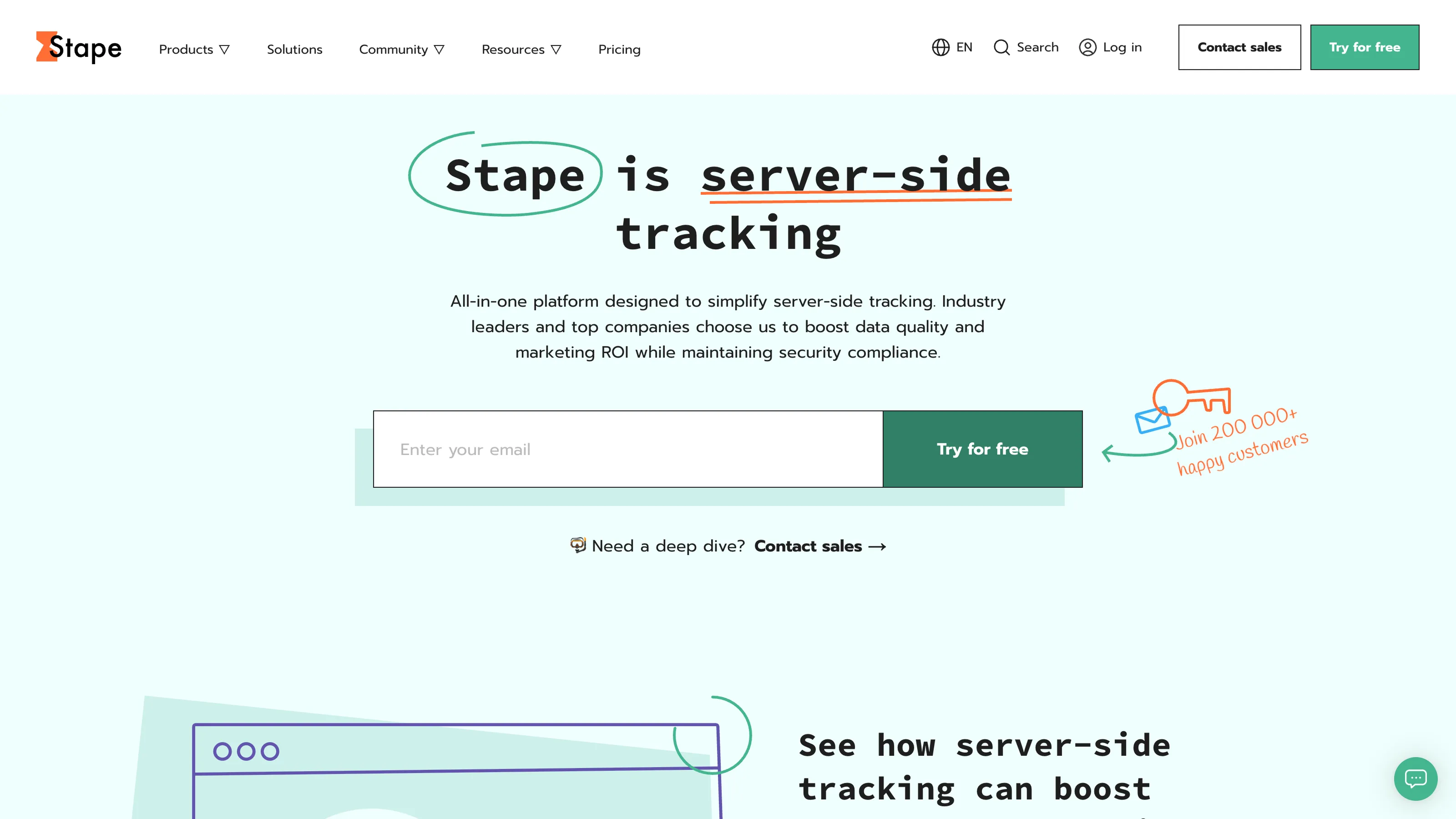
Some SaaS tools offer turnkey solutions that handle server hosting and configuration, while providing simplified integration and dedicated support, in exchange for a monthly or annual subscription.
Recommended tool: Stape (hosted solution for server-side Google Tag Manager)
{{custom-blog-cta}}
Conclusion and final recommendations
As you’ve probably realized, there is no single “best” method.
Server-side tracking makes sense if you have significant ad spend, need reliable data to optimize campaigns, or if your traffic justifies the technical investment. It gives you full control over your data collection before it reaches GA4, Meta, or your CRM.
Client-side tracking is perfectly sufficient if your needs remain basic and you simply want to understand what’s happening on your website without added complexity.
Finally, it’s important to remember that one does not exclude the other. Client-side data collection can—and should—be combined with server-side enrichment. This is actually the most effective approach, because doing everything server-side is neither possible nor relevant: client-side tracking is essential to capture user interactions, while server-side tracking ensures data reliability, enrichment, and control before activation.
💡 GDPR note: Regardless of the approach, user consent is still mandatory for personal data. Server-side tracking facilitates compliance but does not exempt you from it.
Additional resources
- https://stape.io/blog/what-is-server-side-tracking
- https://developers.google.com/tag-platform/learn/sst-fundamentals (Server-Side Tagging fundamentals courses)



.webp)