
AccessiBe - Optimized Tool Review
Summary
- AccessiBe is an automated web accessibility tool that makes sites compliant with ADA and WCAG standards
- Installation requires only one JavaScript code line on your website
- Artificial intelligence scans and fixes accessibility issues automatically within 48 hours
- Pricing starts at $49/month for small sites (up to 1,000 monthly page views)
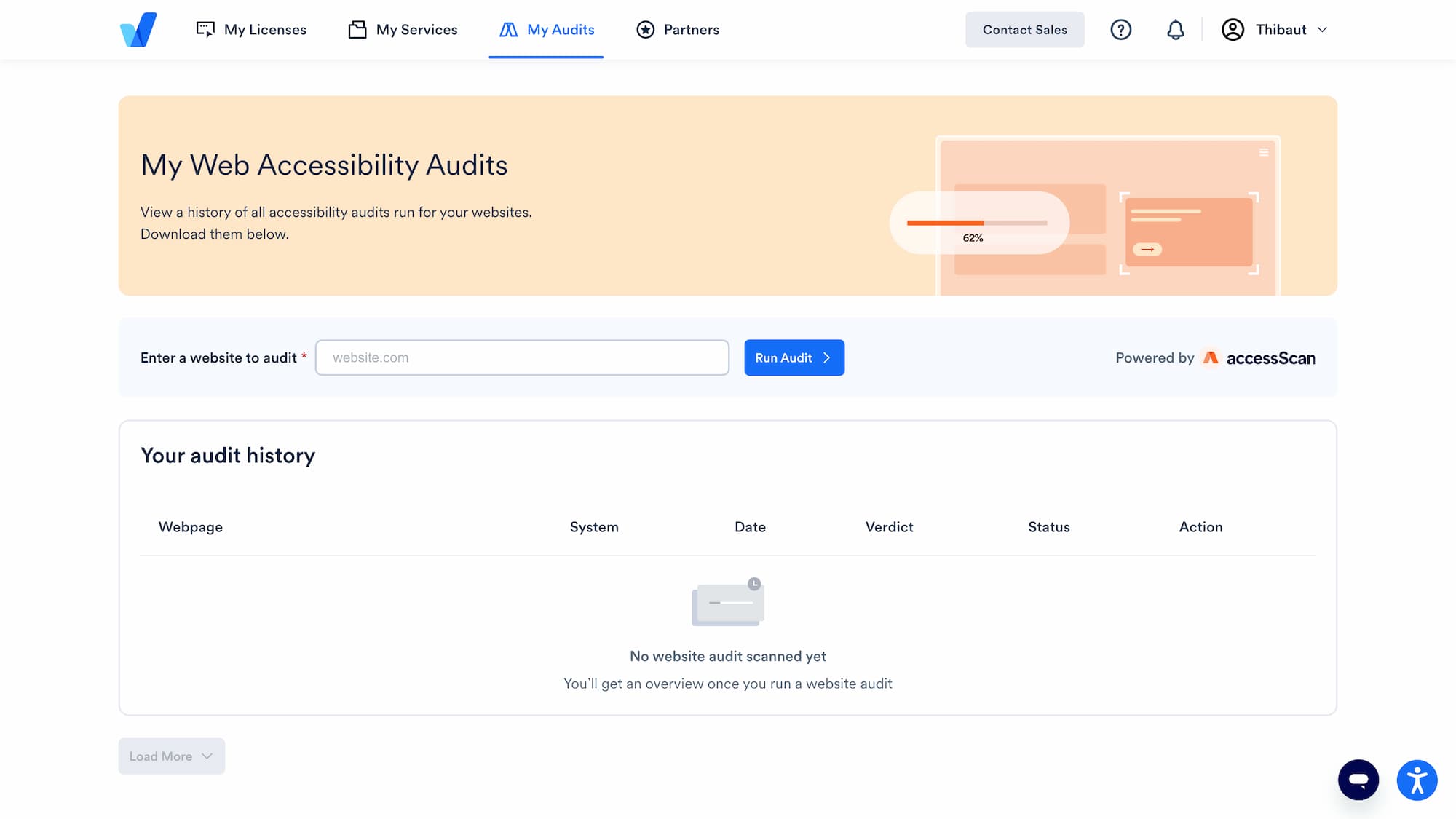
- The tool offers free audits and detailed compliance reports
- Compatible with WordPress, Shopify, Webflow and most market CMS platforms
What is AccessiBe and why use it?
AccessiBe represents a fully automated web accessibility solution that enables website owners to comply with digital accessibility regulations without complex technical intervention. Through its advanced artificial intelligence and machine learning algorithms, the tool analyzes, detects, and automatically corrects accessibility barriers present on websites.
This platform particularly targets small and medium-sized businesses, web agencies, e-commerce sites, and any organization wanting to guarantee an inclusive user experience. AccessiBe's main objective is to democratize digital accessibility by offering an affordable and easy-to-implement solution, enabling sites to meet WCAG 2.1 Level AA standards and ADA compliance requirements.
How does AccessiBe work?
AccessiBe operates through a fully automated process that unfolds in several stages. After installing a simple JavaScript code line on your website, the tool's artificial intelligence immediately begins its analysis and correction work.
The system uses proprietary technology called aCe (accessible Code Engine) that scans your entire website every 24 hours. This AI automatically identifies problematic elements like images without alt text, insufficient color contrasts, poorly labeled forms, or keyboard navigation issues.
Simultaneously, AccessiBe deploys a customizable accessibility widget that appears on all your site pages. This widget allows visitors with disabilities to adjust the interface according to their specific needs: font enlargement, contrast modification, simplified navigation, audio reading, etc.
The tool also offers free and paid versions. The free version includes a basic site audit, while paid plans start at $49/month (approximately €45/month) for sites receiving up to 1,000 monthly visitors. Pricing then scales based on traffic: $149/month for high-traffic sites and up to $349/month for very high volumes.
| Plan | Monthly Price | Annual Price | Traffic Included | Features |
|---|---|---|---|---|
| Standard | $49/month | $490/year | Up to 1,000 views/month | Widget + 24h Scans + Reports |
| Large | $149/month | $1,490/year | Up to 10,000 views/month | Standard + Priority Support |
| Huge | $199/month | $1,990/year | Up to 50,000 views/month | Large + Account Manager |
| Jumbo | $349/month | $3,490/year | Up to 100,000 views/month | Huge + Legal Support |
| Enterprise | Custom Quote | Custom Quote | Unlimited Traffic | All Features + Custom |
Our review of AccessiBe
AccessiBe presents itself as a pragmatic and accessible solution for businesses wanting to quickly comply with digital accessibility standards. The tool's fully automated approach represents both its greatest strength and its main limitation.
On the positive side, implementation ease remains remarkable. In just a few minutes, any site owner can install the tool and start benefiting from its automatic corrections. The accessibility widget offers an intuitive interface that allows users to customize their browsing experience according to their specific needs.
However, total automation raises legitimate questions about the actual effectiveness of applied corrections. Accessibility experts agree that a purely automated approach cannot solve all accessibility problems, especially those requiring fine contextual understanding of content.
In terms of value for money, AccessiBe positions itself competitively against competitors like UserWay or Level Access, particularly for moderate-traffic sites. The tool suits businesses perfectly looking for a first step towards compliance without major technical investment.
AccessiBe advantages and disadvantages
Advantages:
- Ultra-simple installation: Single JavaScript code line to integrate, accessible even to non-developers
- Complete automation: Daily scans and automatic corrections without required human intervention
- Customizable widget: Accessibility interface adaptable to your site's colors and design
- Transparent pricing: Traffic-based pricing grid, predictable with no hidden fees
- Legal support included: ADA claim assistance in higher-tier plans
Disadvantages:
- Automation limitations: Some complex accessibility issues require manual intervention
- Technology dependency: Entirely JavaScript-based operation may cause performance issues
- Community controversy: Debates among experts about the real effectiveness of automated solutions
Results and performance with AccessiBe
According to AccessiBe's public data, the tool claims more than 2.5 million websites using its technology worldwide. The company announces a 95% compliance rate to WCAG 2.1 Level AA standards after 48 hours of activation.
Performance metrics show that the AccessiBe widget adds an average of 2-3 KB to total page weight, representing minimal impact on loading times. Speed tests performed on different sites indicate a 50-100ms increase in initial loading time, offset by improved user experience for people with disabilities.
An internal AccessiBe study reveals that 87% of users of the accessibility widget use at least one adaptation function (font enlargement, contrast modification, keyboard navigation), demonstrating these features' practical utility.
Frequently asked questions about AccessiBe
Does AccessiBe guarantee complete ADA compliance?
AccessiBe significantly improves your site's compliance, but no automated tool can guarantee total compliance. The tool covers approximately 70-80% of common accessibility issues.
How much does AccessiBe cost in 2025?
Pricing starts at $49/month (approximately €45/month) for sites receiving up to 1,000 monthly visitors. Price increases based on traffic: $149/month for 10,000 visitors, up to $349/month for 100,000 visitors.
Does AccessiBe installation affect site performance?
Performance impact remains minimal with 2-3 KB addition and 50-100ms loading time increase, largely offset by accessibility benefits.
Does AccessiBe work with all CMS platforms?
Yes, AccessiBe is compatible with WordPress, Shopify, Webflow, Wix, Joomla, Drupal, and most web platforms through its universal JavaScript code.
AccessiBe alternatives
UserWay represents AccessiBe's main direct competitor with a similar automation approach but also offering manual audits. UserWay stands out through its pricing flexibility starting at $49/month for only 10 pages, but can reach $999/month for 1,000 pages.
Level Access targets large enterprises with custom solutions combining automated technologies and human expertise. This alternative suits organizations requiring personalized support and thorough audits.
For Webflow users, native integration of accessibility best practices from the design phase remains an interesting complementary approach. Webflow offers built-in accessibility features that, combined with a tool like AccessiBe, provide more comprehensive coverage.
Usage recommendations and target audience
AccessiBe particularly suits small and medium-sized businesses with limited technical resources but wanting to quickly improve their website accessibility. The tool also proves suitable for web agencies managing multiple client sites and seeking a standardized solution.
For e-commerce sites using platforms like Shopify or WooCommerce, AccessiBe offers seamless integration enabling more accessible purchasing journeys. Public or semi-public sector companies, often subject to strict legal obligations, find in AccessiBe a first level of quickly deployable compliance.
However, large companies or organizations managing complex sites with advanced interactions should consider a hybrid approach combining AccessiBe and specialized manual audits. This strategy guarantees optimal coverage of the most complex accessibility challenges.
The tool remains less suitable for sites requiring extensive user experience customization or projects where total source code control is a priority. In these cases, a native development approach with WCAG standards integration from conception will be preferable.
Sources & resources
Sources : AccessiBe site officiel - WCAG Guidelines