
Webflow: the established standard for visual development
In the no-code web development universe, Webflow has established itself as the undisputed reference. With over a decade of existence, the platform now counts more than 4 million active users and powers hundreds of thousands of professional websites worldwide.
This dominant position rests on a mature and integrated ecosystem: visual design platform, powerful CMS, optimized hosting, e-commerce system, application marketplace, and comprehensive training through Webflow University. The world's largest brands trust Webflow for their critical websites.
Facing this established giant, Webstudio attempts to position itself as an open-source alternative. Created by former Webflow collaborators, this tool promises to solve certain technical limitations while maintaining the visual approach. But can this new proposition truly compete with Webflow's experience and stability?
Technical approaches: different philosophies
Webflow: integrated and proven solution
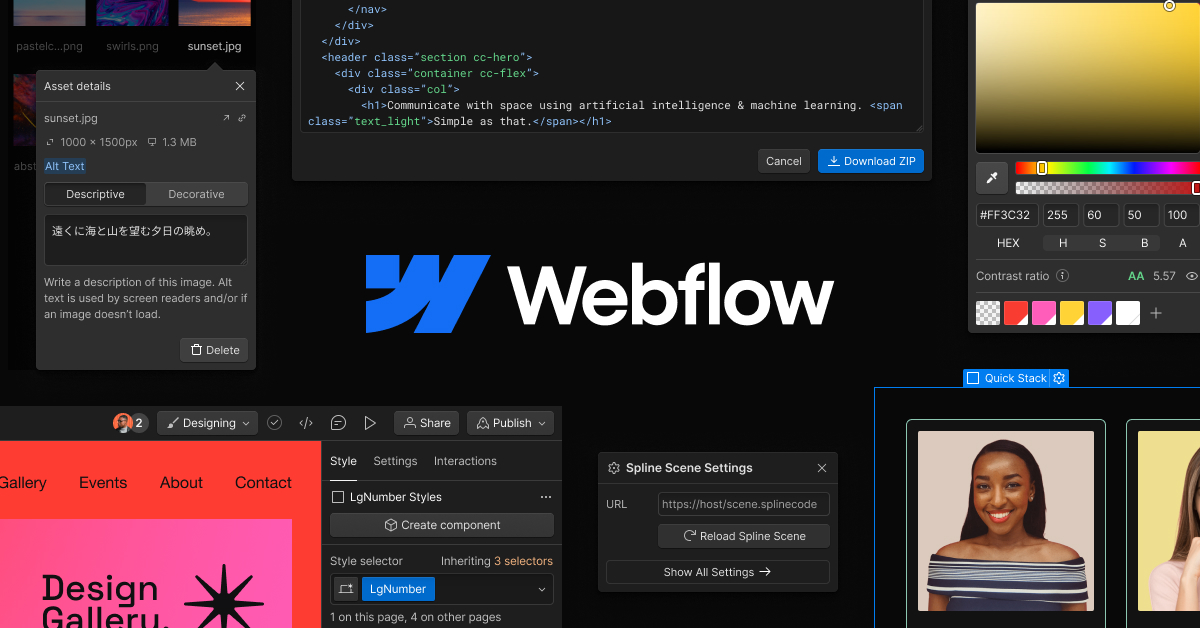
Webflow offers a complete architecture where each component is optimized to work together:
- Visual designer allowing pixel-perfect control
- Native CMS with complex relationships and complete REST API
- High-performance hosting on AWS infrastructure with global CDN
- Most advanced interaction system on the market (Interactions 2.0)
- Integrated e-commerce handling payments, taxes, inventory, and logistics
This "all-in-one" approach guarantees compatibility between all elements and considerably simplifies project maintenance.
Crédit : Webflow
Webstudio: modular and open approach
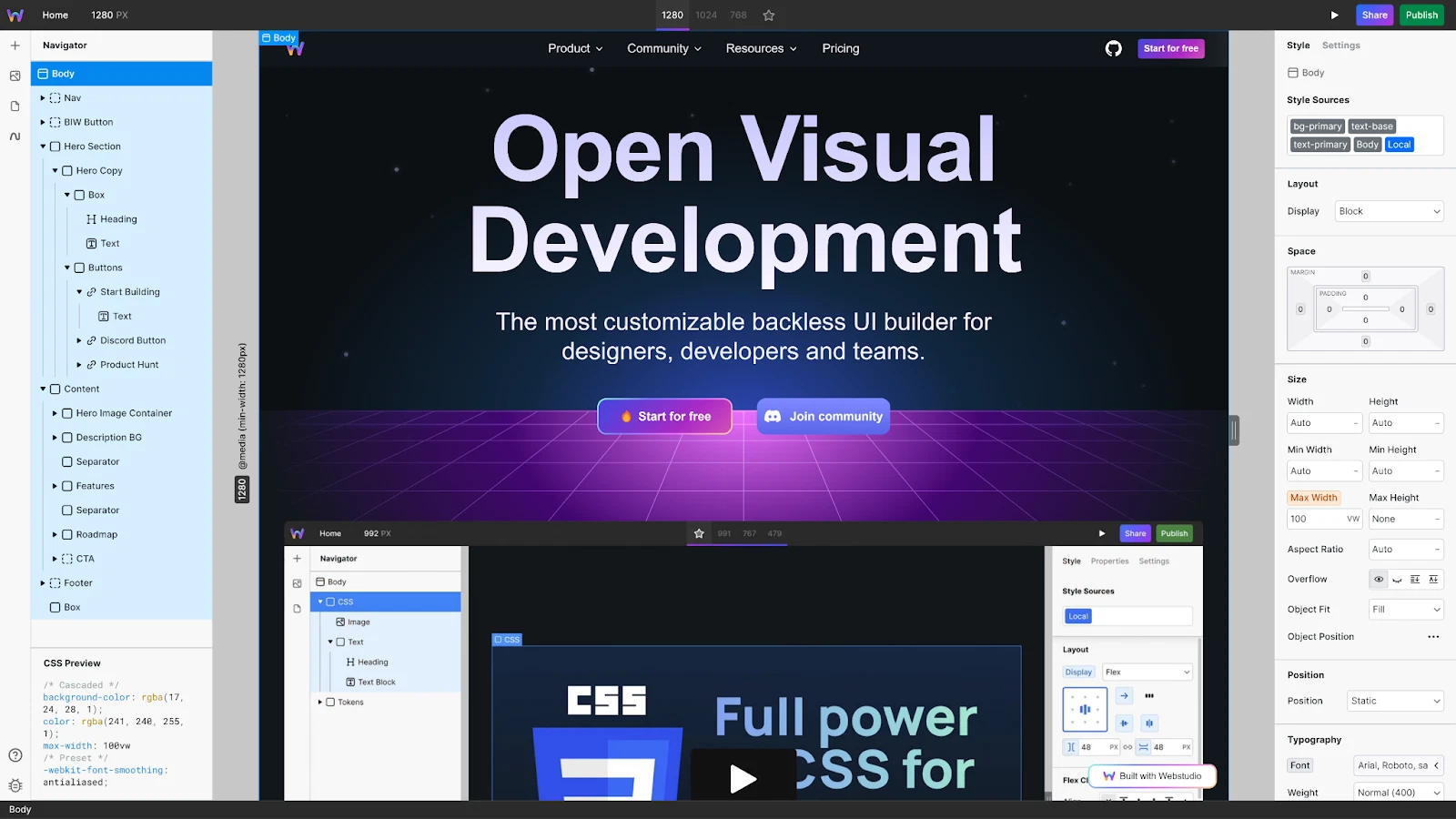
Webstudio adopts a different philosophy by focusing solely on visual development:
- Design tokens replacing the traditional class system
- Flexible CMS connections (Strapi, Contentful, Sanity)
- Choice of hosting (Vercel, Netlify, Cloudflare)
- Open source code allowing modifications and contributions
- Modern architecture based on Remix and deployed on Cloudflare Workers
This modularity theoretically offers more flexibility but complicates configuration and project maintenance.
Performance: the myth of absolute differences
Performance depends primarily on development quality
Contrary to simplistic comparisons, web performance depends mainly on development quality, not the chosen platform. A well-optimized Webflow site can easily achieve excellent Lighthouse scores (90-100), while a poorly designed Webstudio project will display mediocre performance.
Webflow provides advanced optimization tools:
- Automatic image compression with WebP formats
- Native lazy loading for all media
- Global CDN with over 100 presence points
- Automatic CSS/JS minification
- Native mobile-first optimization
Webstudio benefits from Cloudflare but requires manual configuration of many optimizations that Webflow handles automatically.
Real examples of high-performing sites
Many Webflow sites display excellent performance:
- Agency sites with Lighthouse scores 95+
- Fast e-commerce with loading times < 2s
- SEO-optimized blogs with perfect Core Web Vitals
The key lies in developer expertise, not the platform itself.
Ecosystem: Webflow's decisive advantage
Webflow maturity and resources
The Webflow ecosystem represents a major competitive advantage:
- Webflow University: complete free training with recognized certifications
- Global community: 4+ million users, active forums, events
- Professional support: dedicated teams with SLA according to plans
- Marketplace: 2000+ validated applications and integrations
- Agency network: certified experts worldwide
- Premium templates: professional designs ready to use
This maturity translates into a mastered learning curve and abundant help resources.
Webstudio ecosystem: potential but limitations
Webstudio offers a nascent ecosystem:
- Restricted community: a few thousand early adopters
- Documentation under construction: lack of advanced use cases
- Community support: GitHub and Discord only
- Limited integrations: significant configuration effort required
- Learning resources: mainly community-driven
Cost comparison: reality vs appearance
ROI and productivity
For a web professional, Webflow offers better return on investment through:
- Superior development velocity
- Simplified project maintenance
- Easier client training (Webflow Editor)
- Professional support quickly resolving blockers
Advanced features: Webflow leading
Animations and interactions
Webflow Interactions 2.0 remains unmatched in the market:
- Intuitive visual timeline for complex animations
- Multiple triggers (scroll, hover, click, loading)
- Advanced 3D and parallax animations
- Export of reusable animations
- Automatically optimized performance
Webstudio offers basic animations via Web Animations API but often requires custom code for advanced effects.
CMS and content management
The Webflow CMS offers professional features:
- Multi-level relationships between collections
- Advanced publishing workflows
- Complete REST API for integrations
- Visual editor for non-technical clients
- Fine-grained user permission management
Webstudio requires integrating an external CMS (Strapi, Contentful) with additional configuration and maintenance.
Who should choose which platform?
Webflow recommended for:
- Web agencies managing multiple client projects
- Freelancers prioritizing productivity and reliability
- Enterprises requiring professional support and SLA
- Marketing teams regularly creating landing pages
- E-commerce sites leveraging native integration
- Projects with complex animations and advanced interactions
- Non-technical clients who need to maintain content
Webstudio to consider for:
- Experienced developers valuing open-source
- Experimental projects accepting instability
- Very tight budgets (after calculating total cost)
- Very specific CMS integrations not supported by Webflow
- Research projects or technical training
FAQ
Will Webstudio replace Webflow?
Highly unlikely in the medium term. Webflow's lead in terms of ecosystem, stability, and adoption is considerable. Webstudio remains a niche alternative for technical developers but doesn't threaten Webflow's dominant position in the professional market.
Are Webstudio performances really better?
It depends entirely on implementation. An optimized Webflow site by an experienced developer can equal or exceed the performance of a poorly configured Webstudio site. Webflow's automatic optimization tools make achieving good performance easier.
Can you easily switch from Webflow to Webstudio?
Migration is complex despite concept similarities. You need to rebuild interactions, migrate CMS content to an external service, and reconfigure hosting. For an established project, migration costs often exceed expected benefits.
Does Webflow still innovate facing competition?
Absolutely. Webflow continues rapid innovation with features like CSS Variables, AI Assistant, Webflow Apps, and continuous performance improvements. Competition stimulates innovation but Webflow maintains an edge through its resources.
Webflow consolidates its dominance
In 2025, Webflow maintains its position as leader in professional visual development. Its mature platform, complete ecosystem, and massive community make it the obvious choice for the majority of web projects.
Webstudio represents an interesting experiment in the open-source approach to visual development but remains too immature to seriously challenge Webflow. Its theoretical advantages (performance, flexibility, cost) are counterbalanced by significant practical limitations: configuration complexity, restricted ecosystem, community support.
For web professionals, Webflow remains the safe choice guaranteeing productivity, stability, and scalability. Webstudio may interest experienced developers seeking a technical alternative but doesn't yet constitute a viable option for most client projects.
The future will likely see Webflow strengthening its dominance while integrating the best ideas from its competitors, while Webstudio continues to serve a niche market for open-source enthusiasts and technical experiments.
Sources and resources
- Webflow Official Platform - Complete platform and official documentation
- Webflow University - Free training and learning resources
- Webstudio Documentation - Open-source platform guide